Copy terminal content as text
To copy the content of the terminal, select EXPAND ALL to make all the fields of the booking visible.
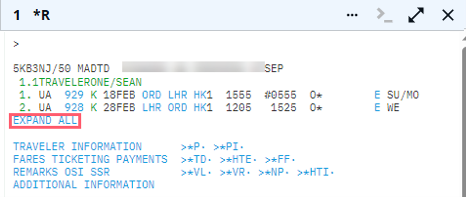
Once all the fields are displayed, select the text you want to copy and press Ctrl+C. Place your cursor where you want to paste the copied text (Microsoft Notepad or Word, email, etc.) and press Ctrl+V.
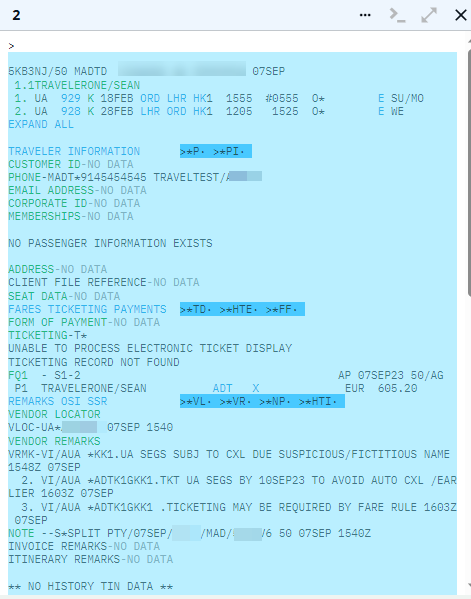

If needed, first type the entry to display the history, *H and then copy and paste as explained above.