Switching Between Classic Windows and Flex Windows
You can switch between the Classic Windows and Flex Windows window layouts themes.
-
In Smartpoint 11.7 and earlier, Classic Windows is the default theme.
-
In Smartpoint 12.0 and later, Flex Windows is the default theme.
To switch layout thems:
-
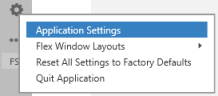
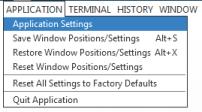
From the Application menu, select Application Settings.
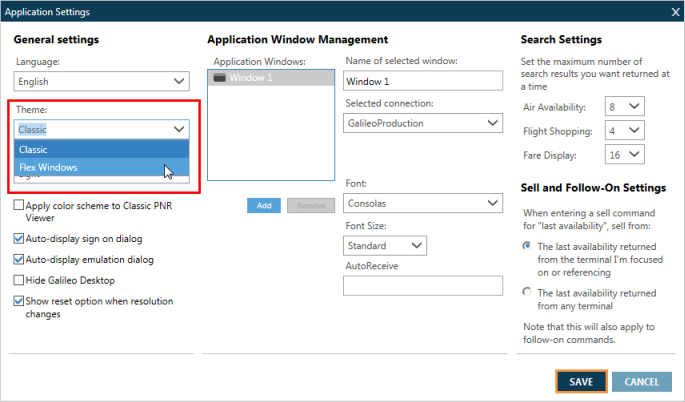
The Application Settings window is displayed.
-
In the General Settings section, click the Theme arrow and select Flex Windows or Classic .
-
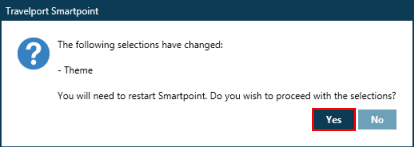
Click SAVE to display the confirmation message.
-
Click Yes to confirm the new settings and immediately restart Smartpoint. If you click No, the new layout theme will not display until the next time that you restart Smartpoint.
-
Optional. To switch back to the Classic windows setup, click the Theme arrow to select Classic and restart Smartpoint.
 Flex Windows