Viewing Agent Alerts
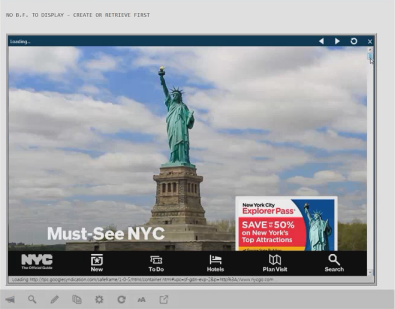
Agent Alerts contain relevant advertisements based on your current activities in Smartpoint. These alerts can help you identify great offers. If you click an offer, it opens within Smartpoint.
Opening the Agent Alerts Panel
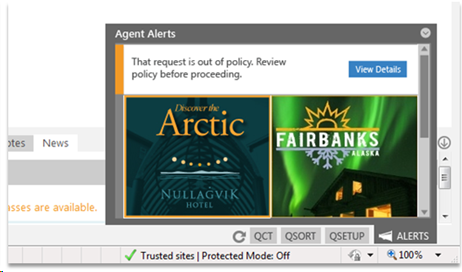
The Agent Alert panel opens automatically when a new message within Smartpoint is received. A new message is indicated with an orange bar to the left of the message.
You can also open the Agent Alert panel by clicking the Agent Alerts  icon in lower right corner of the Smartpoint screen.
The alert can be closed by clicking anywhere on the screen.
Using the Agent Alerts Panel
The panel displays a maximum of 10 messages. Messages within the dialog box are interactive by clicking on the blue View Details button, or the graphic or text within the message.
The indicator displays in orange before you read the message. After you read the message, the indicator turns gray.
Types of Agent Alerts
Different types of agent alerts can provide shortcuts to information including: lowest public rates, preferred providers, and destination resources.
|
Example |
Explanation |
|---|---|
|
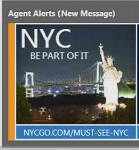
If the agent alert links to a web site for a Destination Management Organization (DMO) such as a tourist board, the link displays the site in a separate browser window. These links are informational only. Bookings continue to be made through Smartpoint. These links may display for Air Availability, Hotel Property Search, and Car Availability results. |
|
If the agent alert displays a Dynamic Rate Update (DRU), the lowest public rates are displayed for a hotel property. You can click the alert to display the Hotel Availability List for the same dates as your initial search. These links may display for Air Availability or Hotel Property Search. |