Itinerary preferences
Airlines
The drop-down menu allows you to select an airline. Airlines and alliances are listed.
To filter results by airline, select up to 5 airlines, then choose whether these airlines are preferred, should only be returned, or should be excluded. When Preferred is selected, the airlines display first followed by other airlines.
If NDC is selected and if your agency has access to multiple NDC airlines, if no airline is specified, then results for all applicable NDC airlines are returned.
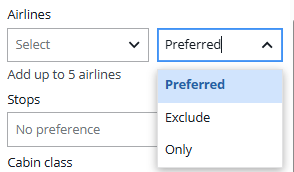
You can narrow the search to Only search for the airline/alliance you selected. But if there are no flights for the airline/alliance for your city pair, you will receive an error response.
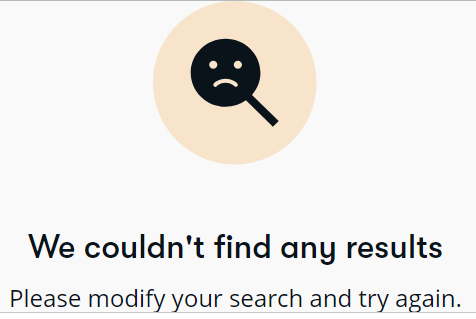
Preferred will primarily focus on your request. If the selection doesn’t match the city pair, you will receive the same error response.
To ensure a response, don’t select a specific airline.
Number of stops
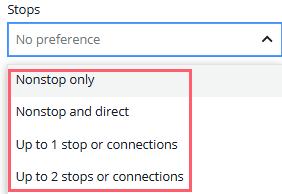
The drop-down list options are as follows:
Cabin class
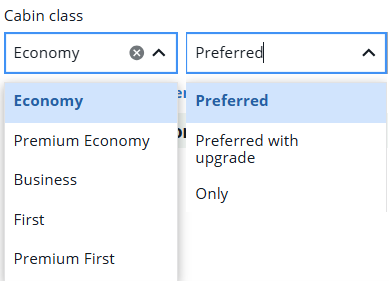
Cabin class, like airline selection, allows for Preferred, Preferred with upgrade, or Only options. If you do not select a preference, the results will be in price order. Once the results are returned, you can compare different cabin classes and perks and make your selection.