Ancillary Services
Shopping for Ancillary Services with Modifiers
If you shop for ancillary services with a modifier, you can view the or change the modifiers.
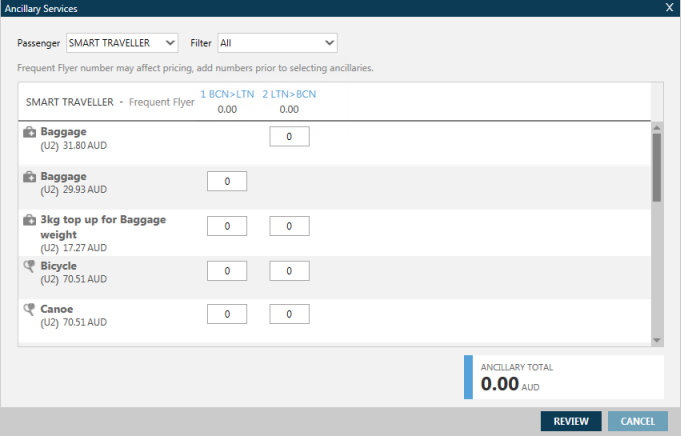
If you enter DAS* or click the Shopping Cart icon the, the general Ancillary Services screen is displayed.
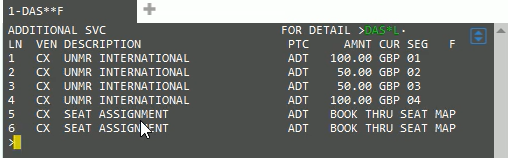
On the terminal screen, Smartpoint recognizes the modifier and displays only the requested ancillaries. For example, if you enter DAS**F, the terminal screen displays only flight-related ancillary services.