Start a new booking file
It is possible to discard the current data in the reservation and create a new empty booking file.
-
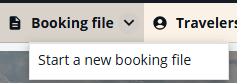
Without a retrieved booking file:
Press the Booking file menu and select Start a new booking file.
-
With a retrieved booking file:
Open the Booking File menu and select Start a new booking file. A popup message is displayed to confirm the action.
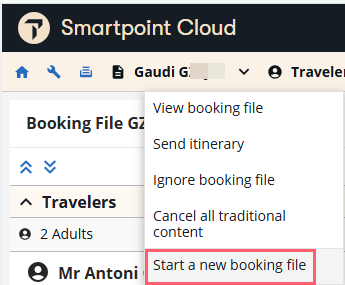
Note: In a queue, the Start a new booking file option will be disabled.