Fares
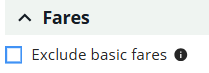
Exclude basic fares
If Traditional or All is selected as a search filter, select Exclude basic fares to suppress basic fares from the search results (only for traditional options).
Currency override
If agency is enabled to ticket in multiple currencies, select the desired currency from the drop-down list. This is subject to airline support.

A warning banner displays noting that the point-of-sale currency differs from the selected currency.
Refundability
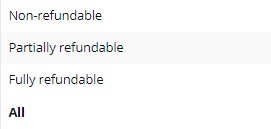
The Refundability field is only available if the Traditional option is selected at the top of the panel. With this drop-down menu, you can restrict results to show only non-refundable, partially refundable, or fully refundable options. The default is All.
Private fare qualifier
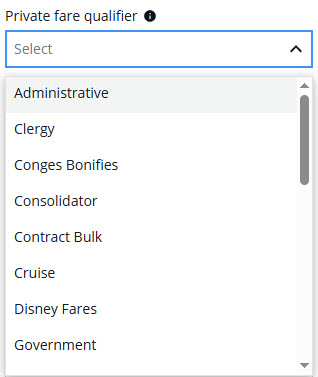
Select if searching for NDC fares according to the requirements of the airline.
Fare types
Select the type of fare from the Fare types list.
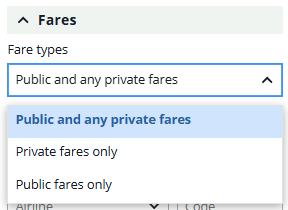
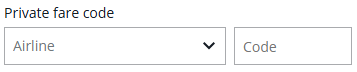
If you select private fares, select the airline from the list and enter a private fare code, if applicable.
If the option NDC is selected as a search filter, you can select a private fare qualifier, which will request private fares for the selected PTC.
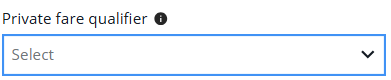
This selection may be grayed out based on other itinerary options selected.
NDC Promo fare code
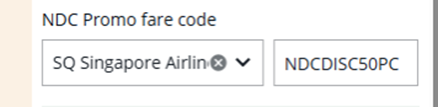
This feature allows you to provide a promotional NDC code in the search to receive and book offers that are part of an airline promotion. This selection may be grayed out based on other itinerary options selected.