Hotel Retail
Working with the Hotel Retail Window
Hotel Retail is not displayed in a modal window, which means that you can navigate between Hotel Retail and Smartpoint/Galileo Desktop, as well as change the window display and size.
To toggle back and forth Hotel Retail and Smartpoint:
Press ALT+TAB.
To minimize the Hotel Retail window:
Click the Minimize icon in the top right corner.

To restore the Hotel Retail window:
If the main Smartpoint window hides the Hotel Retail window, minimize the main window to redisplay the Hotel Retail window.
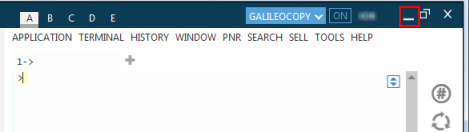
To maximize the Hotel Retail window:
Click the Maximize icon in the top right corner.

Click the Restore icon to redisplay the Hotel Retail window in its previous size and location.
